 Solitaire
Klondike Solitaire at a glance
Klondike is the classic solitaire game, the seven-column original that shipped with every home computer for three decades and that most of the world simply calls "solitaire." This version is free, runs in your browser with nothing to install, and plays exactly the way you remember it: drag cards or tap them, undo as much as you like, and switch between the relaxed Draw 1 mode and the classic Draw 3 challenge at any time.
Your game saves itself automatically, so you can close the tab mid-deal and pick it up later, with score, timer and all.
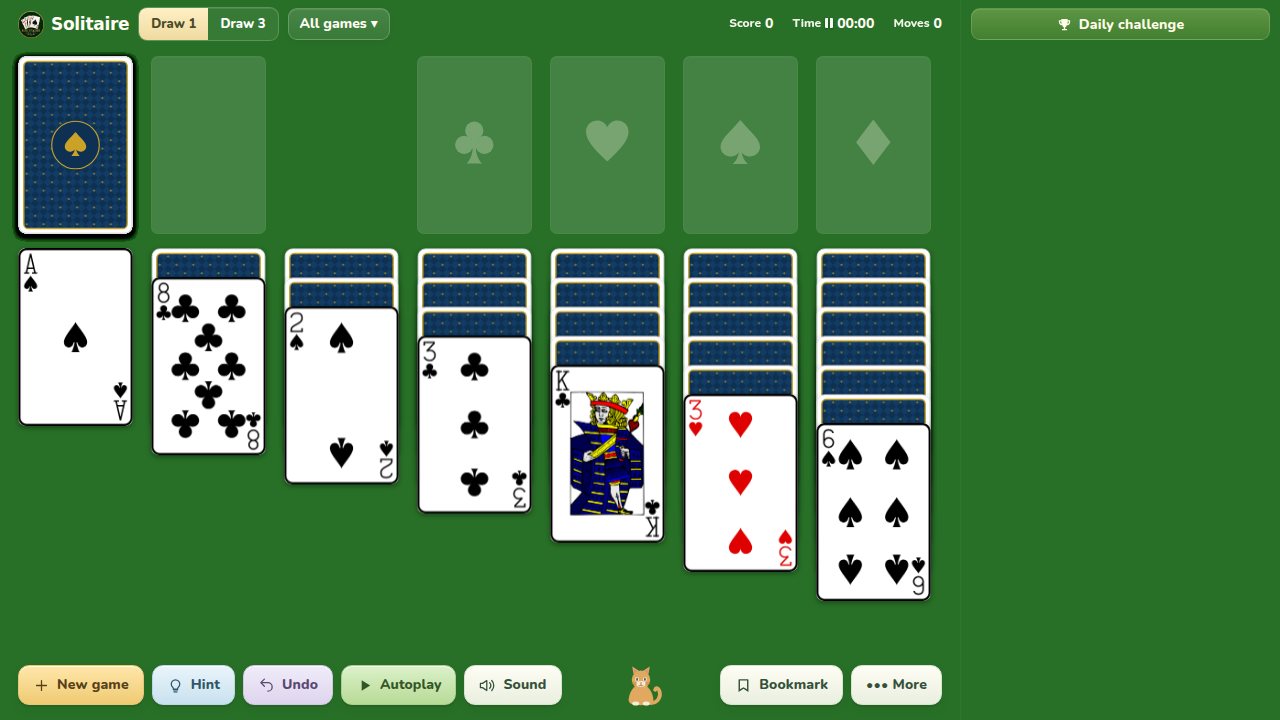
Rules and objective
- Move all 52 cards onto the four foundations, building each suit up from Ace to King.
- In the seven tableau columns, build downwards in alternating colours, for example a red 6 on a black 7.
- Ordered runs move together; grab the highest card of the run and the rest follows.
- Moving the last face-up card off a column flips the card beneath it.
- Only a King may be placed on an empty column.
- Click the stock to turn new cards; when it runs out, click again to recycle the waste.
The table enforces legal moves and saves the current deal in this browser. Hints identify a move that is available now; they do not guarantee that the deal can still be won.
Strategy: how to play better
- Prefer any move that turns a face-down card over. Hidden cards are the only real obstacle.
- Dig into the longest columns first; they hide the most cards.
- Don't rush middle cards to the foundations; an 8 on the board can still catch a 7.
- Before emptying a column, make sure you have a King ready to use it.
Frequently asked questions
What is the difference between Draw 1 and Draw 3?
Draw 1 turns a single stock card at a time, so every card is reachable, which is ideal for learning. Draw 3 turns three at once and only the top one is playable, which makes the stock much harder to use and is the traditional challenge mode.
Why can I not move a card onto an empty column?
Klondike only allows a King (or a run headed by a King) to start a new column. If the move is refused, the card you are holding is not a King.
Is this Klondike game free?
Yes, completely free in your browser, with no download, no account and no sign-up. Hints, undo and both draw modes are all included.